
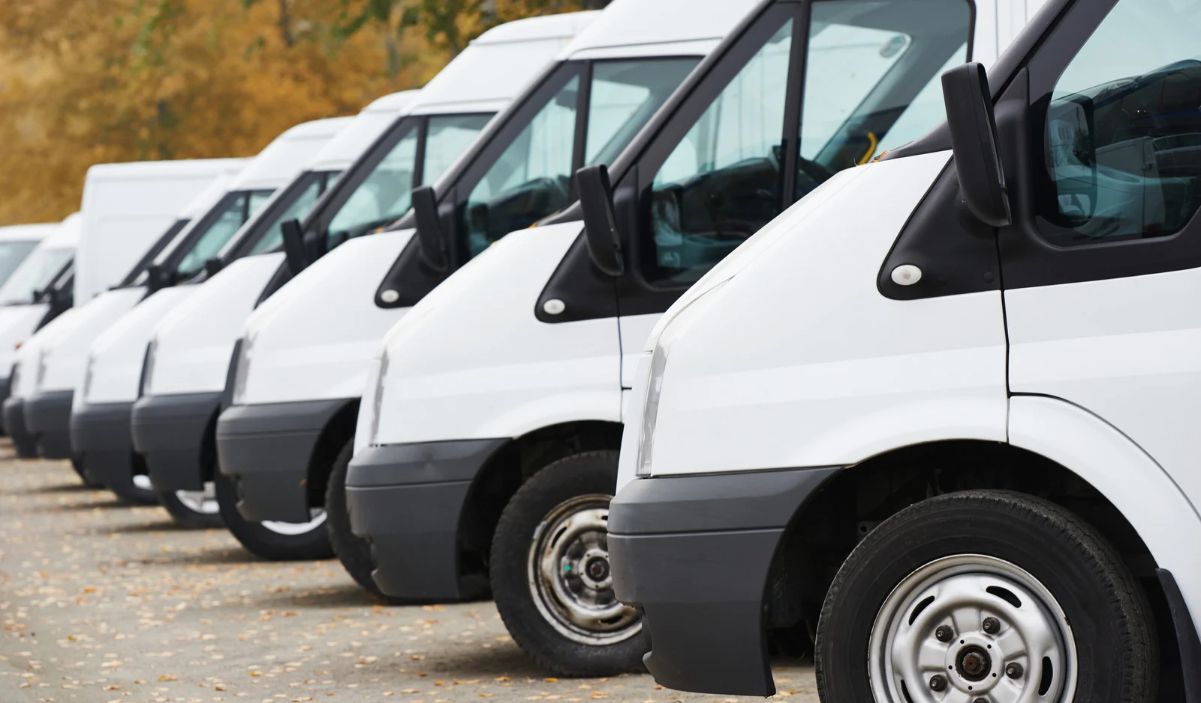
The new Fleet module in GoPlanner brings together the vehicle list, documents and deadlines, authorised drivers, bookings, incidents and fines: you always know who is driving which car, with no spreadsheets and no extra software.
Deadlines tracked in a spreadsheet, keys and bookings arranged by word of mouth, fines that arrive months later with nobody sure who was behind the wheel: anyone who manages company cars knows these problems well. GoPlanner Fleet moves everything into a single menu, using the same employees, departments and sites already managed for attendance, access control and visitors.
One record per vehicle, with documents and deadlines
Cars, vans, trucks and motorbikes appear in a list with plate number, site, departments, mileage and status: available, booked, in use, at the workshop or out of service. The list can be filtered, searched by plate and exported to Excel.
Each vehicle also holds its documents: registration certificate, motor insurance, road tax, roadworthiness test, service, fuel card and lease contract, each with the attached file and the days left until expiry. The system sends a reminder 30 days ahead, and counters show at a glance how many documents are expired, expiring or valid. Deadlines already entered in GoPlanner automatically become vehicle documents.
Who can drive what, and bookings that never overlap
The fleet manager assigns authorised drivers to each vehicle. The system reads the driving licence from the employee’s file and flags it if it is missing, if the category does not match the vehicle or if it expires within 60 days; the list of drivers can be printed as a PDF for signature. The flag is a warning: who can book is decided only by the authorisation given by the fleet manager.
Employees book on their own: they pick the site and dates, see only the available cars they are authorised to drive, and confirm with a booking code. The vehicle switches to “Booked” and nobody else can take it for the same period.
Incidents and fines with date, time and driver
Every incident or fine is logged on the vehicle with date, time, driver, description, photos and PDF. When tracking is active, the system automatically suggests who was driving at that moment.
Map and GPS tracking
With GPS trackers connected, the map shows vehicles coloured by status and refreshes every minute; for each day you can see routes, kilometres, trips and driver. Positions are visible only to the roles the company chooses, drivers see only their own routes, and location data is deleted after the retention period the company sets, while trips and kilometres remain available for reports. The vehicle list, documents, drivers, bookings and incident reports all work without GPS.
In Italy, before enabling geolocation on vehicles assigned to employees, companies must comply with Article 4 of the Workers’ Statute (Law 300/1970): under National Labour Inspectorate (INL) circular no. 2 of 7 November 2016, a GPS unit fitted to a company car is, as a rule, not a work tool, so a union agreement or Inspectorate authorisation is required, together with proper information to employees. The visibility and retention settings help apply the GDPR principles of data minimisation and storage limitation (Article 5 of Regulation (EU) 2016/679).
Hardware to complete the module
For keys, Infordata Sistemi supplies LockerMatic smart lockers: employees collect the key from its dedicated slot with a badge, PIN or QR Code and return it after use, and every operation is logged. For the map and tracking, the PAJ GPS Vehicle Finder 4G tracker is available, updating the position every minute.
Who it is for
- Fleet managers: statuses, deadlines, authorisations and reports in one place;
- Purchasing and facilities: leases, fuel cards and workshops;
- HR and administration: employees’ licences and documents linked to the vehicles they drive;
- Employees: book a car on their own, without phone calls.
Want to see GoPlanner Fleet on your own fleet? Find out more on the module page, request a free demo or contact us.